Brella OS
Every Policy’s Whole Life, on One Screen
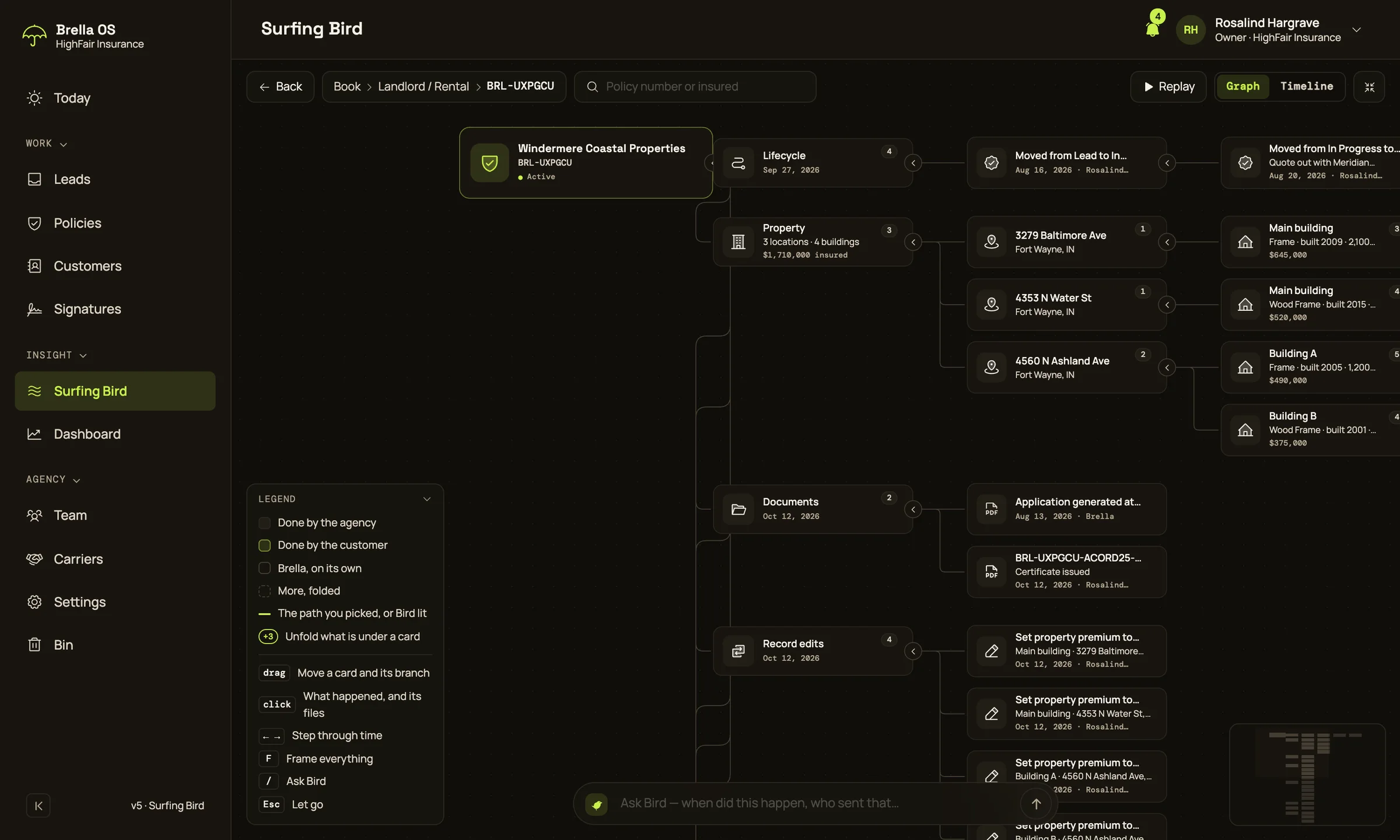
What a policy is and everything that happened to it, as a tree you click through, with Bird at the bottom to ask when something happened and who did it.
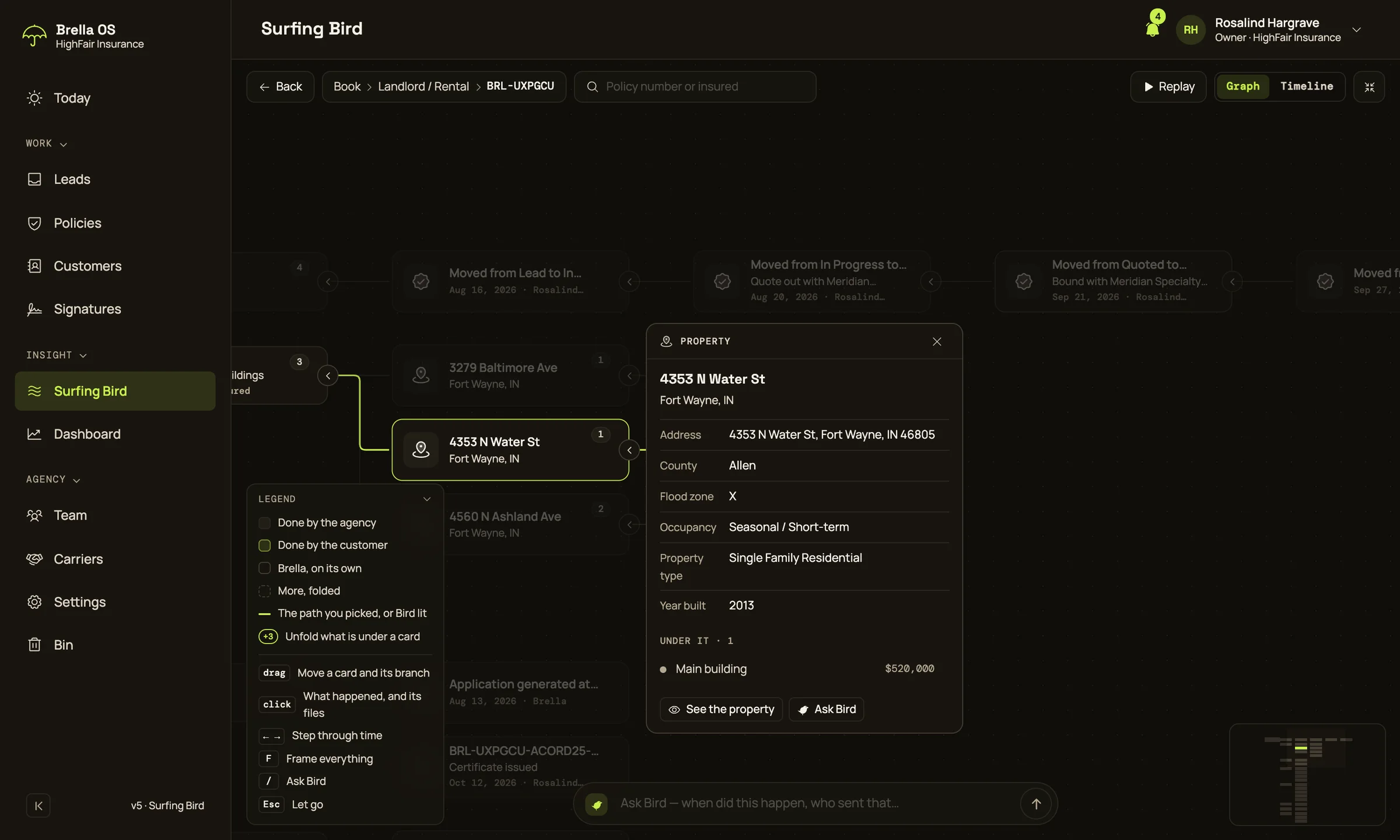
Click a step
It opens beside the tree: what it is, when it happened, who did it, and the documents around it. The path back to the policy stays lit.
- Every card shows whether your agency, the client or Brella did it
- ← and → walk every step of the policy in time
- Open a file or a tab right over the tree, and Esc to go back
Ask Bird, or open the book
Press / and ask: “when did Marisol sign, and what did we send her lender after that?” Bird flies to the step, lights the path and answers in a sentence.
- If Bird has something to send, its go-ahead sits under the answer
- Timeline lays the same policy out by time; Replay plays its life
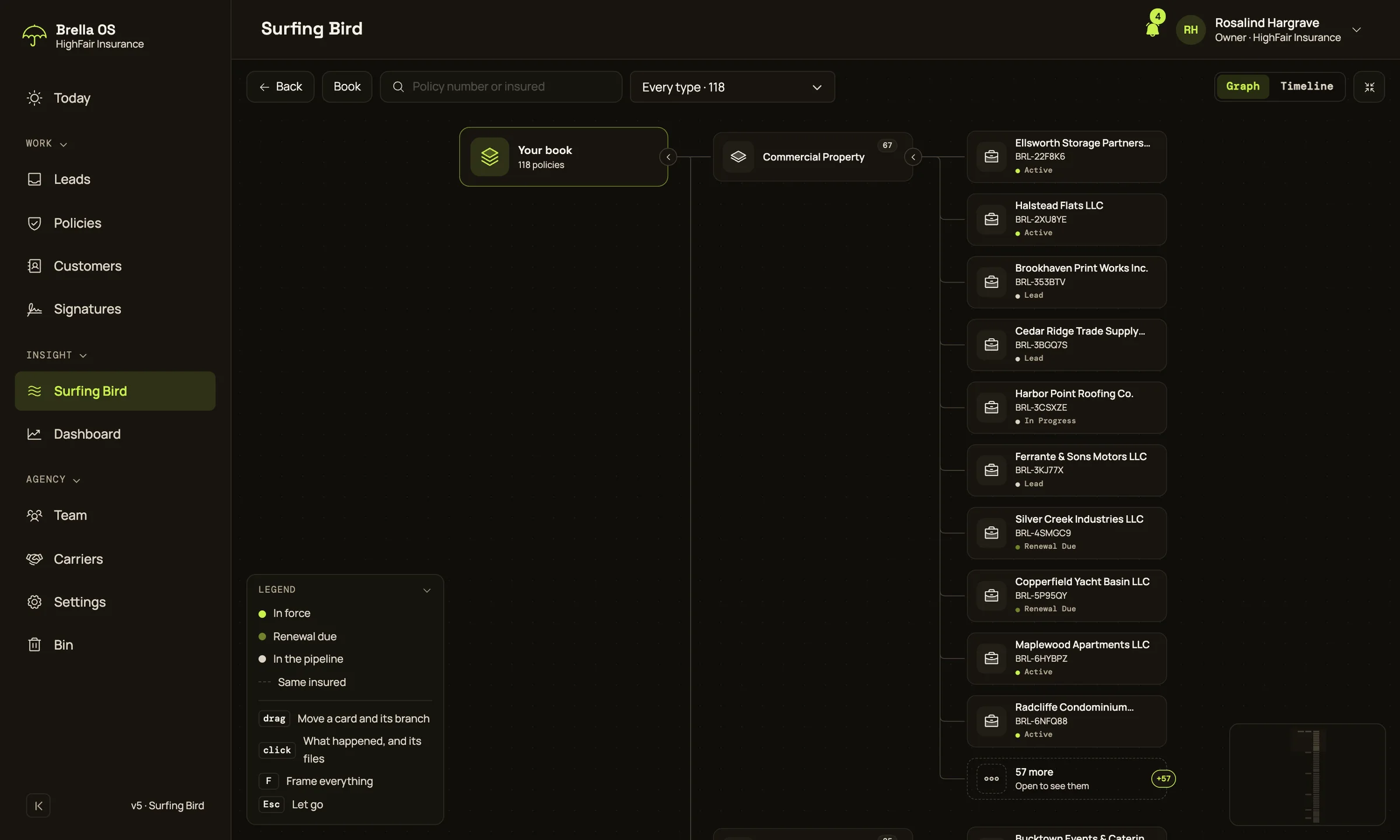
- Opened from the menu, Surfing Bird shows every policy in the book